Window Solutions
Window Tint/Film
Windows Blinds
Windows Shades
Window Solutions
Window Tint/Film
Windows Blinds
Windows Shades

A good video conferencing system should make meetings easier, not harder. We design conference room solutions for small offices, large meeting rooms, and commercial spaces that need clear audio, dependable video, stable connectivity, and simple controls. Whether you are upgrading one room or planning a more complete setup, the goal is a system that works reliably and feels easy to use every day.
Tell us about your room, your team, and how you plan to use the system. We can help you compare practical options and next steps.
Clear Audio and Video
Poor sound and weak video can make meetings frustrating fast. A well-planned conferencing system helps people hear clearly, stay engaged, and communicate without constant repeats, echo, or awkward camera views.
Easy for Staff to Use
Conference room technology should not feel complicated. We focus on simple controls, clean integration, and practical system design so your team can start meetings, share content, and switch sources without guesswork.
Right-Sized for Your Space
Small offices, conference rooms, and larger meeting spaces all have different needs. We help match the equipment and layout to the room so you get reliable performance without overbuilding the system.
Tell us about your meeting room, office, or conference space, and what you want the system to improve. We’ll help you compare practical options for clearer audio, better video, and easier day-to-day use.
Conference room technology can be simple or more advanced depending on how your team works. Some businesses only need a clean, dependable setup for regular internal calls, while others need conference room video conferencing systems that support presentations, hybrid meetings, multiple participants, and integration with existing displays and audio equipment.
A well-planned system helps avoid common problems like weak microphone pickup, uneven speaker coverage, poor camera angles, echo, and confusing controls. Instead of treating the room as just a place to add hardware, we look at the space as a working environment where audio, video, layout, and usability all need to work together.
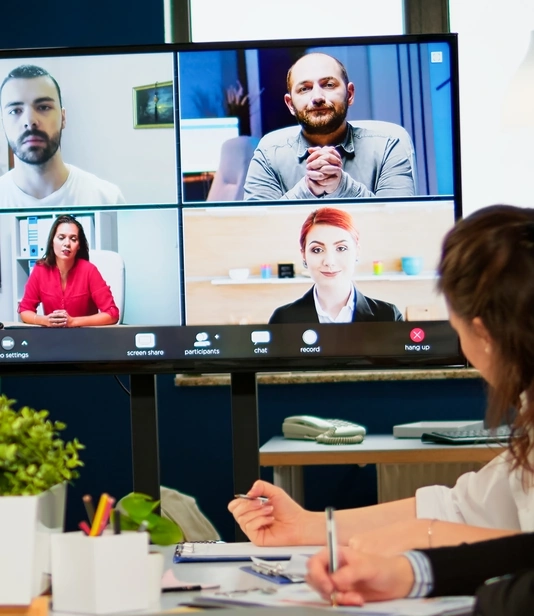
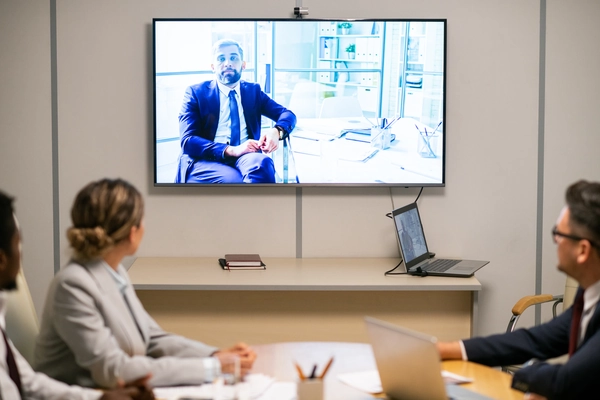
Small businesses and smaller office teams often need practical solutions that work well without adding unnecessary complexity. In many cases, a conferencing system for small business use should be easy to launch, easy to manage, and flexible enough to support everyday calls, client meetings, team check-ins, and screen sharing.
That usually means choosing the right combination of camera, microphones, speakers, display integration, and room layout for the size of the space. For a small office, the best video conferencing solution is usually not the most complicated one. It is the one that gives you clear results, consistent performance, and controls that feel straightforward for everyday staff use.
Larger conference rooms and meeting spaces bring different challenges. Audio has to travel farther, camera framing becomes more important, and the system needs to support more participants without losing clarity. In these spaces, conference room video conferencing solutions often require better microphone coverage, more thoughtful speaker placement, stronger camera performance, and a cleaner signal path between sources and displays.
For corporations, institutions, and larger organizations, the system may also need to support recurring presentations, remote collaboration across multiple locations, or a mix of live and virtual participants. A properly designed room helps people hear clearly, see clearly, and participate naturally without the meeting feeling awkward or disjointed.
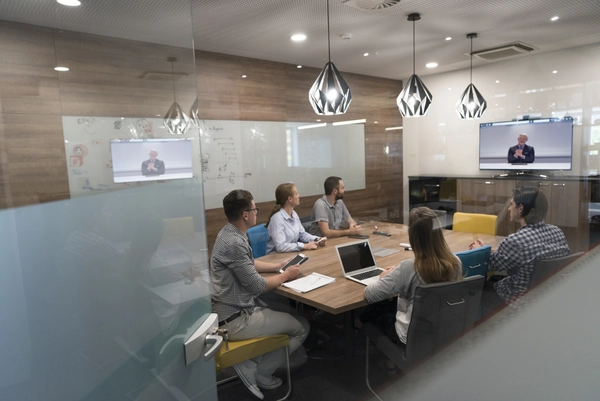
Describe your space and how your team uses it. We can help you narrow down the right video conferencing solution for your room, workflow, and budget.
Residential window tinting does more than keep the heat out — it improves your home’s comfort, energy use, and appearance all year long. Our 3M™ home window films reduce glare, block harmful UV rays, and help lower cooling costs while still allowing in natural light. Below are some of the key benefits Tucson homeowners enjoy.
Voices should sound clear and natural, without harshness, echo, or weak pickup.
The camera should frame the room properly and provide a professional image for remote participants.
Meetings should start and stay connected without constant dropouts or signal problems.
Staff should be able to use the system without guessing what input to select or how to start a call.
Equipment should match the size, layout, and acoustics of the room instead of being treated as one-size-fits-all.
A good setup should make it easier to adapt when the room, workflow, or team needs evolve.
The right system depends on the room and the use case, but commercial conference room equipment often includes:
Some rooms need a very simple package. Others need a more complete audio video conferencing solution that supports regular collaboration, presentations, and better communication across offices.
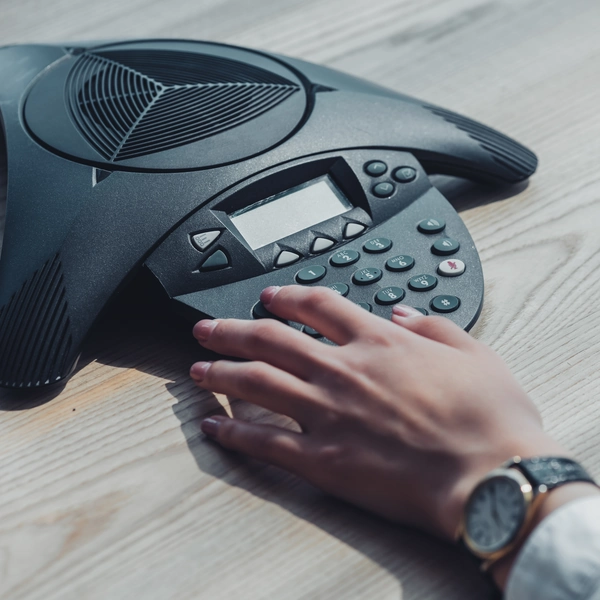
The most important parts of a conferencing system are often the ones users notice only when they go wrong. If people cannot hear clearly, if the video looks poor, or if the connection feels unreliable, the meeting becomes harder than it should be. That is why room design, equipment quality, and installation details matter just as much as the platform being used.
We focus on conference room solutions that improve meeting quality in practical ways. That can mean better microphone coverage, improved speaker placement, more stable video integration, or a simpler control setup that reduces friction for the team using the room every day.
Even a strong system loses value if it feels confusing. In many businesses, the biggest frustration is not the hardware itself but the fact that different users struggle to start meetings, switch sources, or adjust the room correctly. A well-designed conference room system should reduce that friction.
That is why ease of use matters. Clear controls, logical system design, and properly integrated equipment help meetings start faster and reduce the need for constant troubleshooting. For many businesses, that practical simplicity is just as important as the technical performance of the equipment.
Video conferencing is often part of a larger commercial technology environment. In some offices and commercial spaces, it makes sense to coordinate conferencing systems with displays, distributed audio, source routing, or other workplace AV needs. If you are already planning upgrades in those areas, it can help to approach the room as part of a broader system instead of treating conferencing as a completely separate project.
Whether you need a simple setup for a small office or a more complete conference room solution, the right system can make meetings clearer, easier, and more reliable. Tell us about your space, and Technology Specialists can help you explore practical next steps.
A commercial video conferencing system can include a camera, microphones, speakers, displays, conferencing hardware, source controls, and the wiring and integration needed to make everything work together reliably in the room.
The best system depends on the room size, number of users, meeting style, and how often the space is used. A small meeting room may need a simple all-in-one setup, while a larger conference room may need separate microphones, speakers, camera solutions, and better display integration.
Yes. Small businesses often benefit from systems that are easy to use, professional in appearance, and reliable enough for client meetings, remote collaboration, and day-to-day communication without adding unnecessary complexity.
Audio problems are one of the most common meeting frustrations. If people cannot hear clearly, meetings slow down, participation drops, and communication becomes less effective. Good microphone coverage, speaker placement, and room planning make a major difference.
Not every room needs a complex installation, but many conference rooms benefit from a setup that matches the room size, layout, acoustics, and daily workflow. Proper installation also helps keep wiring clean and the system easier to manage.

Licensed & Bonded
ROC# 285238
ROC# 306779
HOURS
Monday - Friday
8 am - 5 pm
4418 E SPEEDWAY BLVD Ste. B
TUCSON, AZ 85712
(520) 784-2500
4351 N FAIRVIEW AVE Ste. B
TUCSON, AZ 85705
(520) 784-2500
SIERRA VISTA
999 E FRY BLVD SUITE 203
SIERRA VISTA, AZ 85635
(520) 784-2500